
Sample walkthrough
See a sample Change Order approval flow
From prepared Change Order to client approval and saved proof — no client login required.
This example uses the demo-safe project Acme Website Redesign — Demo and the request Add online booking system and payment checkout.
-
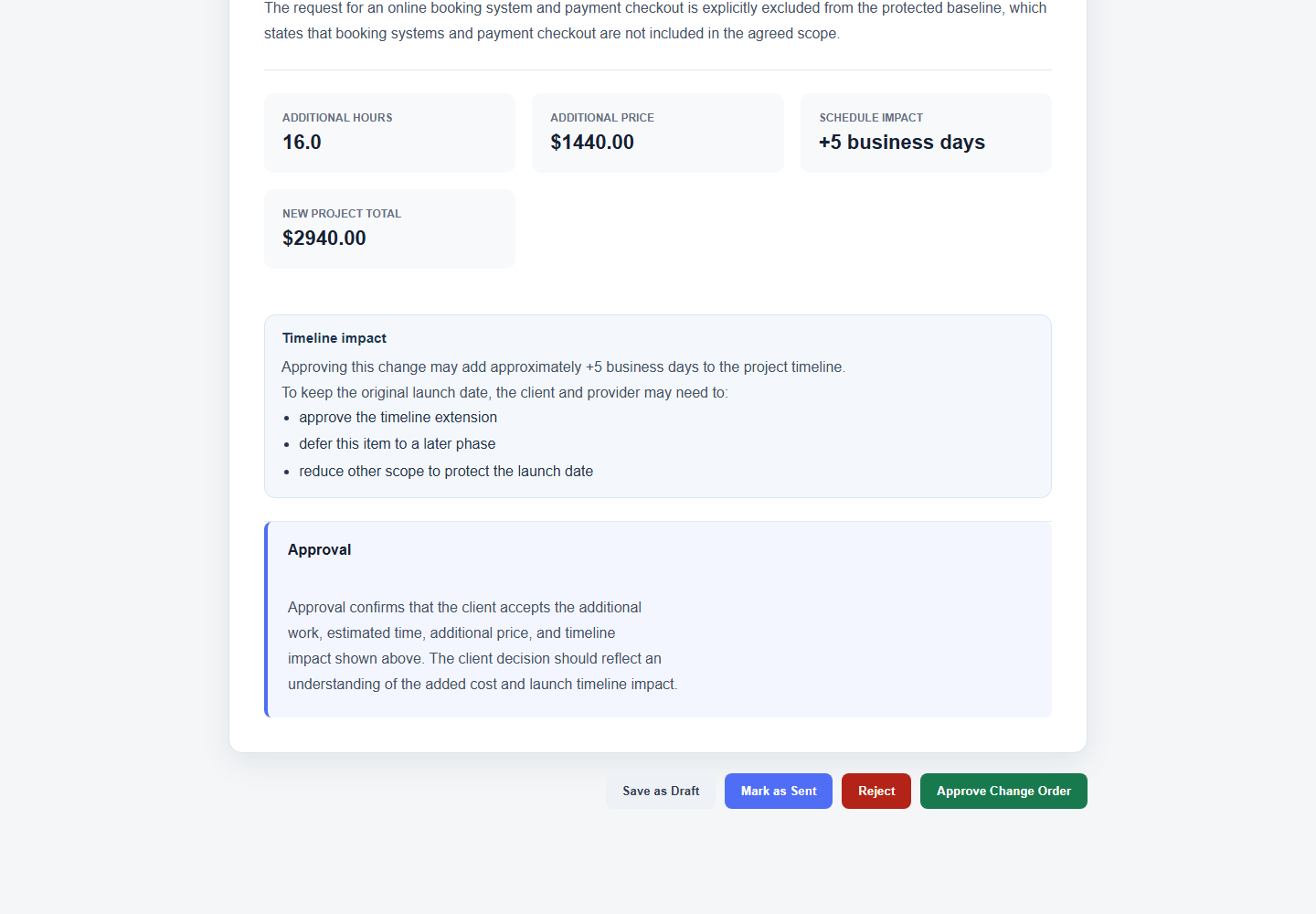
Step 1 — Change Order prepared
The Change Order is prepared before sending.
-
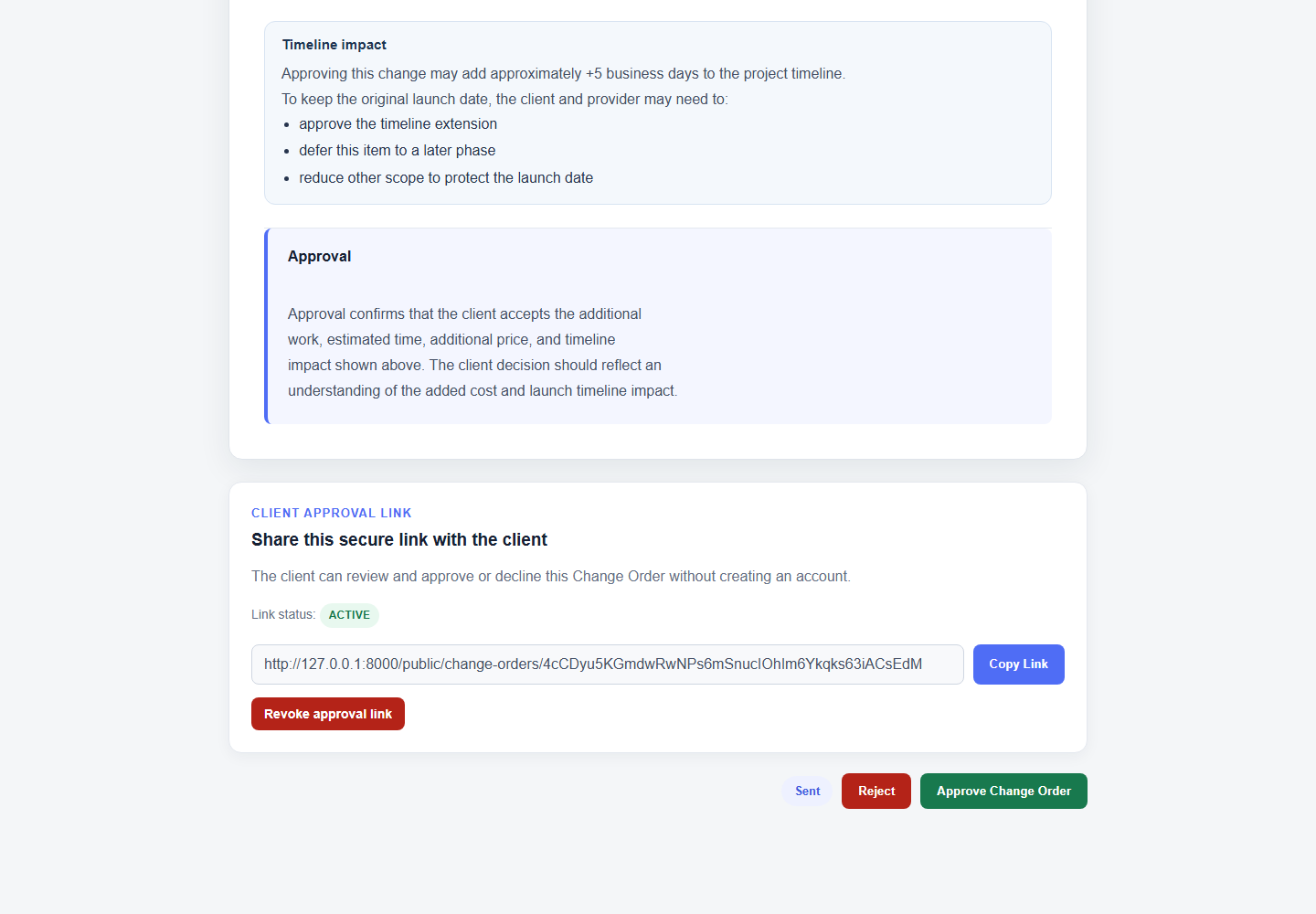
Step 2 — Client approval link ready
The freelancer/agency has a secure approval link to send to the client.
-
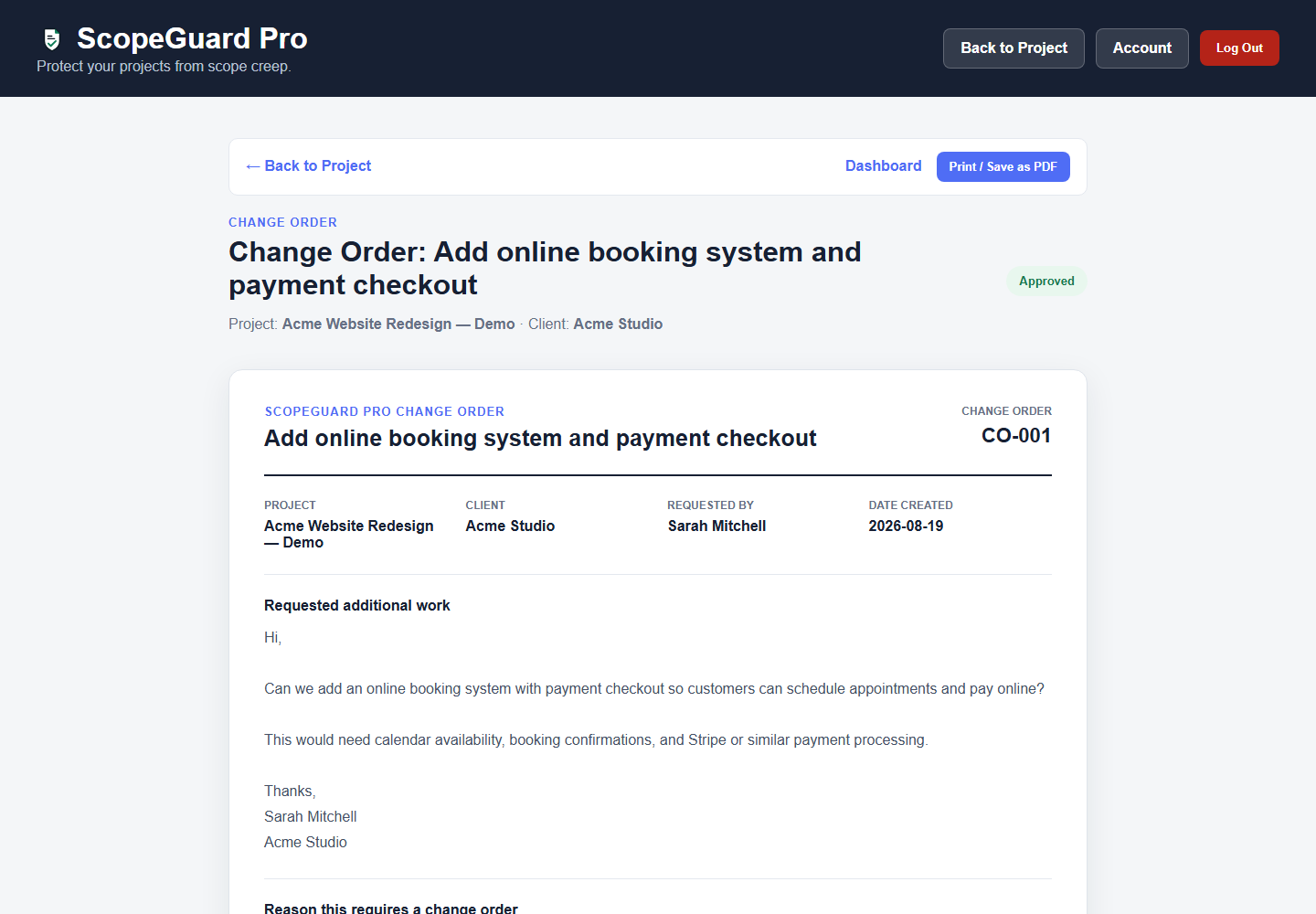
Step 3 — Change Order approved
The internal Change Order page shows the approved Change Order document.
-
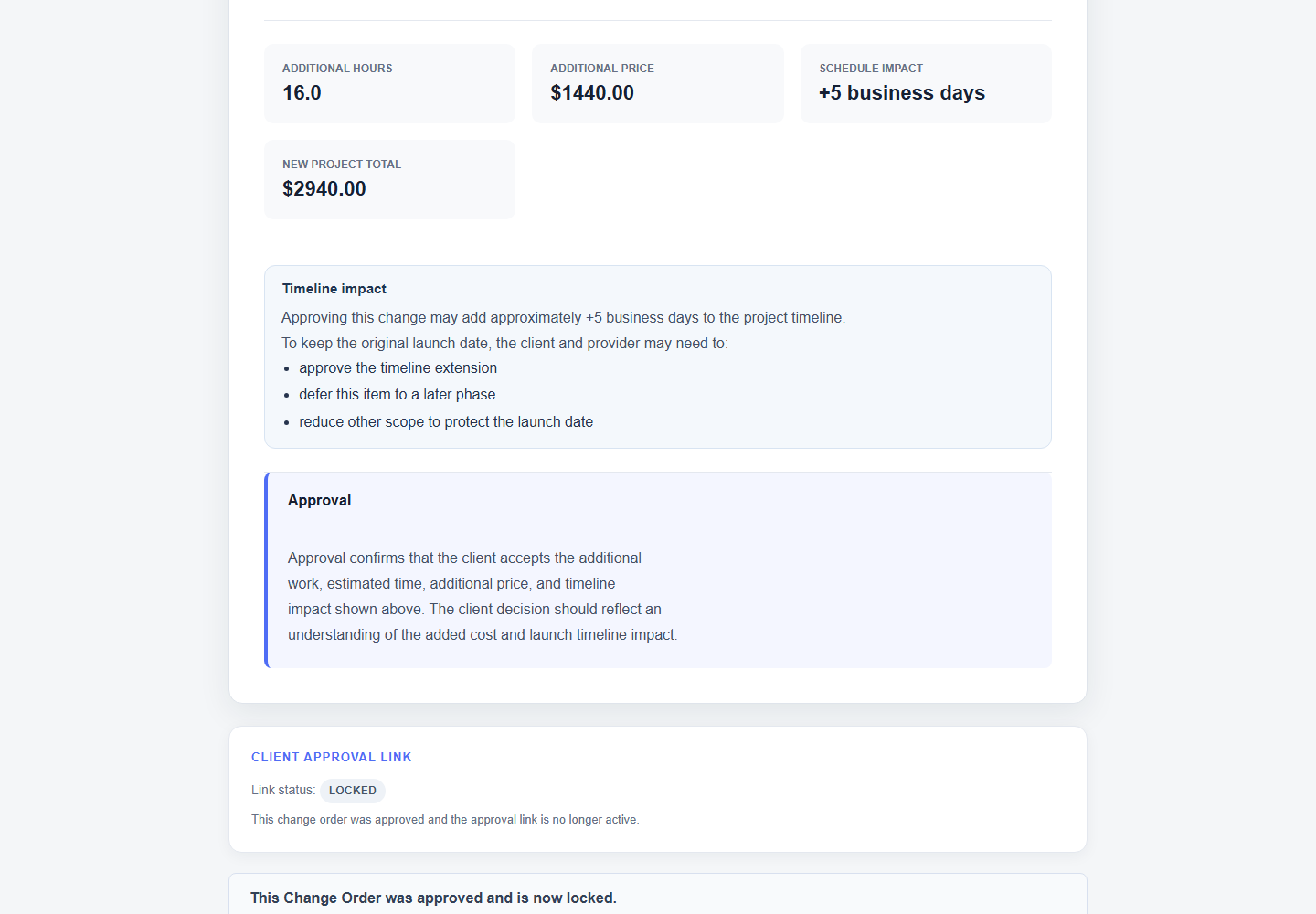
Step 4 — Approval proof saved
The bottom/proof section shows the approval link is locked / approved proof is saved.
Protect your next project the same way.
Create your account